Kavinthira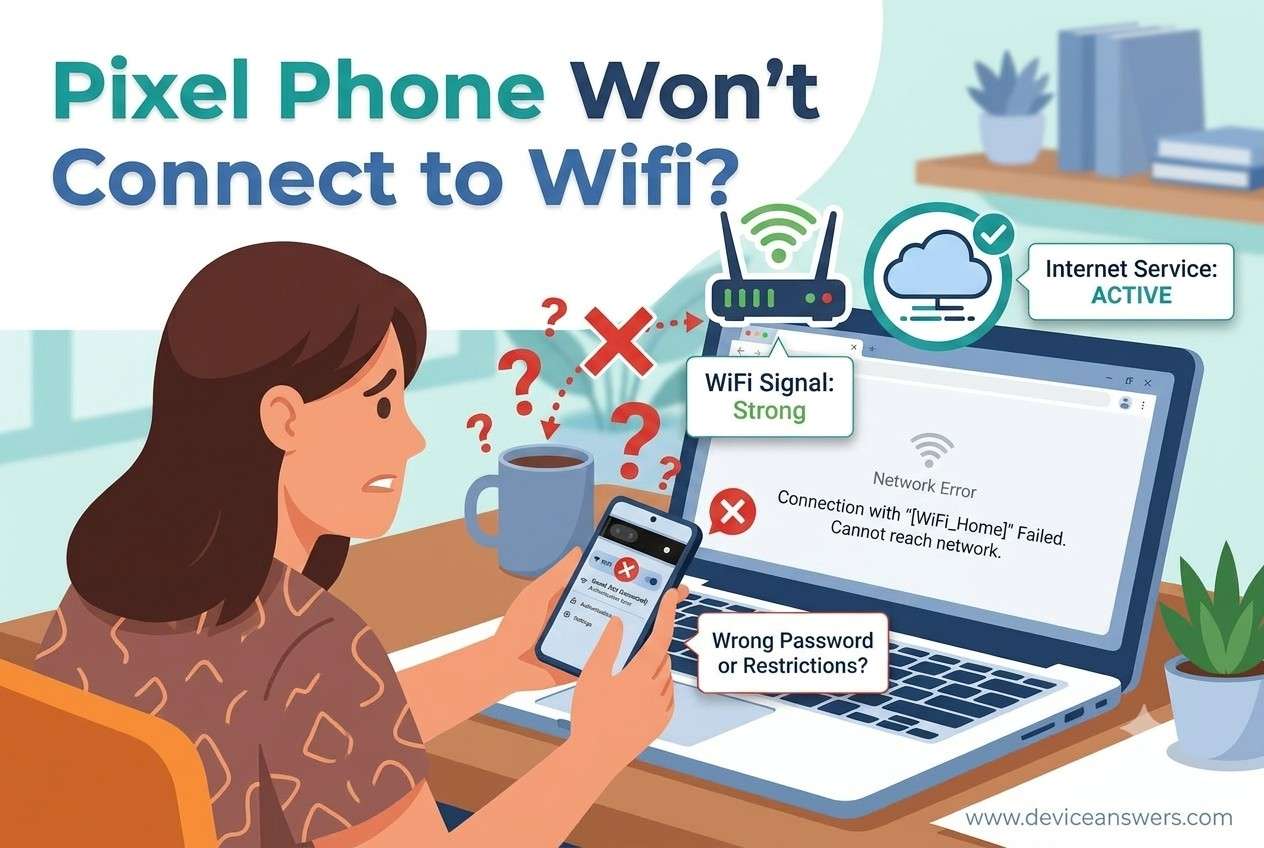
Pixel Phone Not Connecting to WiFi
A Pixel Phone Not Connecting to WiFi can quickly interrupt your daily routine, whether you’re streaming videos, attending online meetings, downloading apps, or browsing the web. Sometimes your Google Pixel won’t detect available networks, while other times it connects but shows “Connected, No Internet.” The problem may be related to your WiFi network, phone Settings, a recent System Update, or even your Router. This guide explains the most common causes, the warning signs to watch for, and the quick checks you should complete before moving on to advanced troubleshooting.
Quick Answer
If your Pixel Phone Not Connecting to WiFi, the issue is often caused by temporary software glitches, incorrect WiFi settings, saved network conflicts, Router compatibility issues, or outdated system software. Before attempting advanced fixes, restart both your phone and router, verify your network connection, disable VPN services, and check whether other devices can connect successfully.
Why Is Your Pixel Phone Not Connecting to WiFi?
WiFi Network Problems
Sometimes the issue isn’t your phone at all. A weak signal, temporary internet outage, or overloaded Router can prevent your Google Pixel from establishing a stable connection. If multiple devices are experiencing the same problem, the network is the most likely cause.
Temporary Software Glitches
Like any smartphone, Android occasionally encounters minor software hiccups. A background process may stop responding, causing the pixel wifi not working issue until the phone is restarted. These glitches are usually temporary and don’t indicate a serious problem.
Incorrect Saved Network Settings
Your phone stores login details for previously connected networks. If the WiFi password changes or network information becomes corrupted, your Pixel may repeatedly fail to connect or display a wifi authentication problem.
Android System Update Issues
A recent System Update can occasionally affect wireless connectivity. Although updates improve security and performance, they may temporarily create compatibility issues between your phone and existing network configurations, leading to google pixel internet issues.
Router Compatibility Problems
Older Router firmware or unsupported security settings can prevent a Google Pixel from connecting successfully. In some situations, the phone detects the network but cannot complete the connection process.
VPN or Private DNS Conflicts
A configured VPN or Private DNS service may interfere with normal internet communication. Incorrect network routing or DNS configuration can make it appear that the Network is unavailable even when the WiFi signal is strong.
Airplane Mode Enabled
It’s easy to accidentally enable Airplane Mode, especially from the Quick Settings panel. When active, wireless connections—including WiFi—may be restricted until the feature is turned off.
Hardware Damage
If your phone has been dropped or exposed to moisture, the internal Hardware responsible for wireless communication could be affected. While less common than software issues, physical damage should be considered if no other explanation fits.
Signs Your Pixel Has a WiFi Problem
- WiFi keeps disconnecting unexpectedly.
- Your phone cannot detect available networks.
- A wifi authentication problem appears during connection.
- Pixel connected without internet even after joining the network.
- Internet speeds become unusually slow.
- The WiFi toggle is unavailable or grayed out.
- The network is saved but refuses to connect.
- Pixel wifi keeps disconnecting every few minutes.
- Your Google Pixel won’t connect to WiFi while other devices work normally.
Quick Checks Before Troubleshooting
Before trying advanced repairs, perform these basic checks. Many users can fix Pixel WiFi issue by completing a few simple steps.
- Restart your Google Pixel.
- Restart your Router.
- Disable Airplane Mode.
- Move closer to the wireless router.
- Turn WiFi OFF and back ON.
- Forget the saved Network and reconnect.
- Temporarily disable your VPN.
- Check whether another device can access the same network.
- Confirm that your router has an active internet connection.
Key Takeaways
- Pixel Phone Not Connecting to WiFi is commonly caused by network settings, software glitches, or router-related issues.
- A recent System Update can occasionally affect wireless connectivity and require updated network settings.
- VPN, Private DNS, or incorrect saved credentials may prevent successful WiFi connections.
- Comparing your Pixel with another device helps determine whether the problem is the phone or the Router.
- Performing simple checks first often resolves many Android WiFi troubleshooting issues without advanced repairs.
Conclusion
Experiencing a Pixel Phone Not Connecting to WiFi issue can be frustrating, but it doesn’t always point to a serious hardware failure. In many cases, the problem is linked to temporary software glitches, incorrect Settings, saved network conflicts, or router configuration issues. Completing a few basic checks can quickly narrow down the cause and save valuable time. If the connection problem continues, you can move forward with detailed troubleshooting methods to restore a stable and reliable WiFi connection on your Google Pixel.