Kavinthira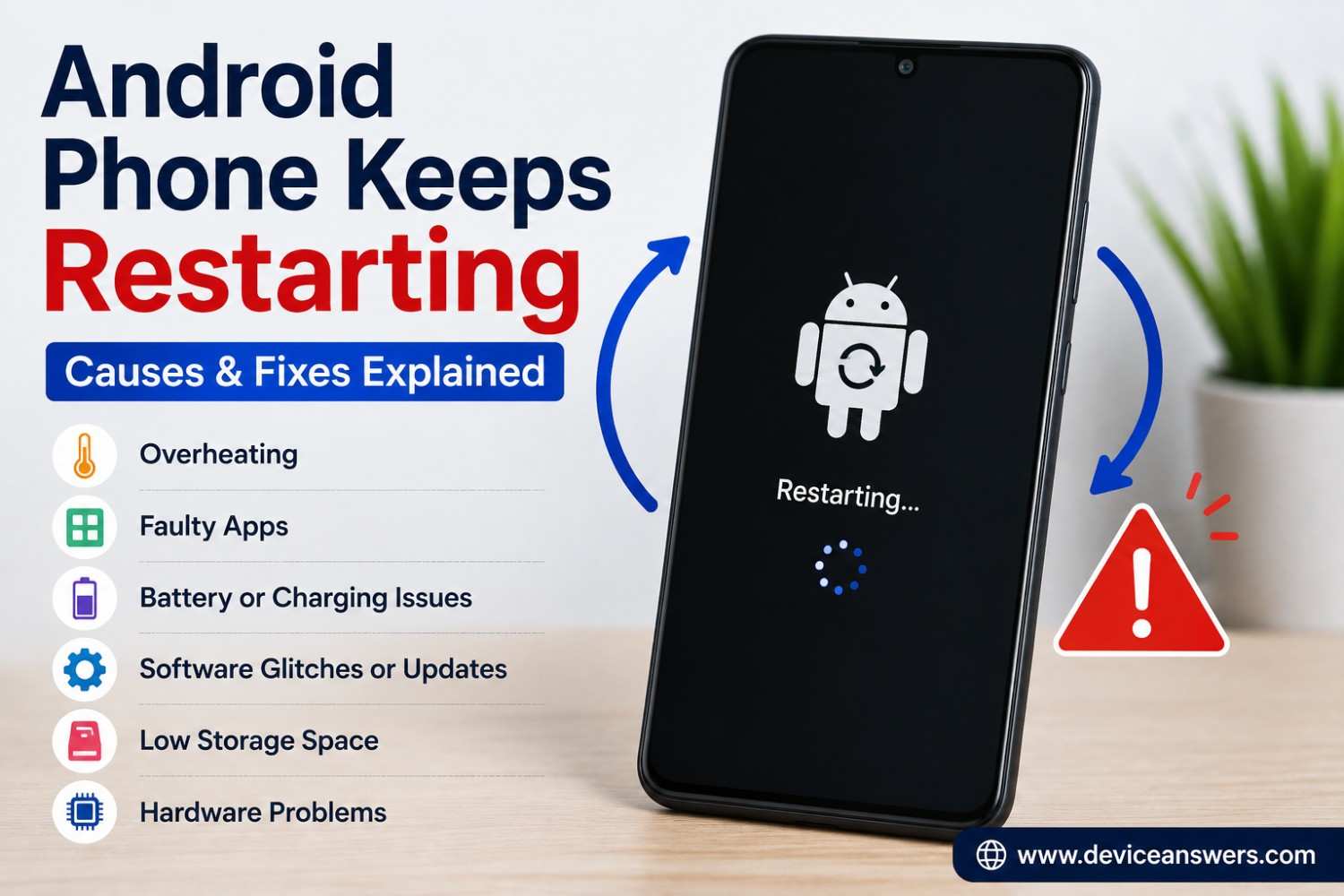
Android Phone Keeps Restarting? Here’s How to Fix It
An Android phone that keeps restarting can turn a normal day into a frustrating experience. The phone may suddenly reboot while you are using an app, charging it, browsing the internet, or even when it is sitting idle.
There are several possible reasons. A problematic app, overheating, low storage, battery trouble, a recent software update, or a system error can cause unexpected restarts. In some cases, the problem may be related to the phone’s hardware.
The best approach is to look at when the restart happens and what changed before the problem started. The steps below can help you narrow down the cause without immediately resorting to a factory reset.
Why Does My Android Phone Keep Restarting?
An Android phone may keep restarting because of a faulty app, overheating, insufficient storage, battery problems, software errors, or hardware damage. If the phone recently received an update or had a new app installed, those changes are also worth investigating.
A phone that restarts once is different from one that repeatedly reboots every few minutes. The more frequent the restarts become, the more important it is to identify the underlying cause.
Quick Checks Before Trying Advanced Fixes
Start with a few simple checks:
- Restart the phone normally if you can.
- Check whether the phone feels unusually hot.
- Check how much storage space is available.
- Remove unnecessary accessories temporarily.
- Think about whether the problem started after an update.
- Check whether you recently installed an app.
- Try using the phone without its case for a while.
These basic checks can sometimes reveal an obvious cause.
Identify the Cause of Random Restarts
Before trying every fix, look at when the phone restarts.
The symptoms can help you choose the most relevant troubleshooting step.
| When the phone restarts | Possible cause | What to check first |
|---|---|---|
| After installing an app | App compatibility or software problems | Uninstall the recently installed app and test Safe Mode. |
| When the phone becomes hot | Overheating or heavy processing | Stop demanding tasks and let the phone cool naturally. |
| While charging | Charger, cable, battery, or hardware problems | Check the charging accessories and watch for unusual heat. |
| When the battery level drops | Possible battery or power-delivery problem | Observe whether the problem repeats at similar battery levels. |
| Even in Safe Mode | A system-level or hardware problem may be involved | Check updates and seek professional help if restarts continue. |
These symptoms are clues rather than definite diagnoses.
More than one issue can cause similar restarting behavior.
Check Whether the Phone Is Overheating
Overheating can cause a phone to slow down, shut down, or restart. Heavy gaming, demanding apps, direct sunlight, and charging while performing intensive tasks can all increase heat.
If your Android phone feels unusually hot:
- Stop demanding apps.
- Disconnect the charger.
- Move the phone away from direct sunlight.
- Remove the case temporarily.
- Let the phone cool naturally.
Do not put a hot phone in a refrigerator or freezer. Rapid temperature changes can cause additional damage.
If the phone repeatedly becomes extremely hot during normal use, consider contacting the manufacturer or an authorized repair service.
Check Available Storage
Very low storage can affect normal phone operation.
Open your Android phone’s Storage settings and check how much free space remains.
If storage is nearly full, consider removing:
- Unused apps
- Large videos
- Duplicate photos
- Old downloads
- Unnecessary files
You do not need to delete personal files blindly. Review your storage first and remove items you no longer need.
After freeing some space, restart the phone and check whether the unexpected reboots continue.
Remove Recently Installed or Problematic Apps
If your Android phone started restarting after installing a particular app, that app deserves attention.
A poorly behaved or incompatible app can sometimes cause crashes that affect the wider system.
Try uninstalling recently installed apps, especially if the restart problem began immediately afterward.
You can also use Safe Mode to investigate whether third-party apps are responsible.
Try Safe Mode
Safe Mode is a useful diagnostic tool because it temporarily prevents many third-party applications from running.
The exact method for entering Safe Mode varies between Android manufacturers.
On many devices, you can open the power menu, touch and hold the Power off option, and then select the Safe Mode option when it appears. However, the procedure can differ on Samsung, Google Pixel, Xiaomi, Motorola, OnePlus, and other phones.
Once in Safe Mode, use the phone normally for a while.
The result can provide an important clue:
- Phone works normally in Safe Mode: A third-party app may be causing the restarts.
- Phone continues restarting in Safe Mode: The problem may be related to Android itself, the battery, or hardware.
If the phone becomes stable in Safe Mode, remove recently installed or suspicious apps one at a time.
Check for Android System Updates
Software problems can sometimes be corrected through official system updates.
Open your phone’s Software Update or System Update settings and check for an available update.
If an update is available, install it using the normal Android update process.
If the restarting problem began immediately after an update, check whether another official update is available. Avoid installing unofficial firmware or modified system software simply to solve a restart problem.
Check Battery and Charging Problems
Battery problems can sometimes cause unexpected restarts.
Pay attention to whether the phone restarts:
- Only while charging
- When the battery percentage becomes low
- When using demanding apps
- After connecting a particular charger
- When moving the charging cable
Try using a compatible, reliable charger and cable.
If the battery is old, damaged, or behaving unusually, it may no longer provide stable power.
A swollen battery requires special attention. Do not attempt to open the phone or remove a swollen battery yourself. Contact the manufacturer or an authorized repair service.
Remove the Case and Check the Power Button
A damaged or tightly fitted case can sometimes interfere with physical buttons.
Remove the case temporarily and check whether the phone still restarts.
Also inspect the power button. It should move normally and should not feel stuck or unusually difficult to press.
If the phone restarts whenever the button is touched or moved, the button itself may require professional attention.
Reset App Preferences
Android provides an option to reset app preferences on many devices.
This does not normally erase your personal photos, videos, or documents. Instead, it restores certain application-related settings, such as disabled apps and default app preferences.
The exact menu varies by Android version and manufacturer.
Use this option only when you understand what it changes. It is not a guaranteed solution for random restarts, but it can help when unusual app settings are involved.
Reset Network Settings
A network reset is mainly useful for Wi-Fi, Bluetooth, and mobile-network problems. It is not a universal solution for random Android restarts.
If the restart happens specifically when using mobile data, Wi-Fi, or Bluetooth, network settings may be worth investigating.
Remember that resetting network settings can remove saved Wi-Fi networks and Bluetooth pairings.
You will need to reconnect those devices afterward.
Factory Reset as a Last Resort
A factory reset should not be the first solution for an Android phone that keeps restarting.
A factory reset removes personal information and returns the phone to its original software state.
Before considering it:
- Back up important photos and videos.
- Make sure important contacts are synchronized.
- Check that you know your Google account credentials.
- Try other troubleshooting methods first.
- Confirm that you understand what the reset will erase.
If the phone continues restarting even after a properly completed factory reset, a hardware problem becomes more likely.
When the Android Phone May Have a Hardware Problem
Software troubleshooting may not solve a restart problem caused by damaged hardware.
Watch for these warning signs:
- The phone was recently dropped.
- The phone was exposed to liquid.
- The battery appears swollen.
- The phone becomes extremely hot.
- The device restarts in Safe Mode.
- Multiple apps crash repeatedly.
- The phone cannot remain powered on.
- Restarts continue after a factory reset.
If any of these symptoms appear, contact the phone manufacturer or an authorized repair center.
Do not open the phone yourself, especially if you suspect battery damage.
Frequently Asked Questions
Why does my Android phone keep restarting?
An Android phone can repeatedly restart because of a problematic app, overheating, low storage, battery problems, software errors, or hardware faults. Recent system updates or newly installed applications can also be possible triggers.
How do I stop my Android phone from restarting?
Start by checking temperature, storage, recently installed apps, software updates, and battery behavior. Try Safe Mode to determine whether a third-party application is responsible. If the problem continues, further software or hardware troubleshooting may be necessary.
Why does my Android phone restart by itself?
Random restarts can happen when Android encounters a serious software error or when the phone experiences unstable power. A faulty application, overheating, battery problem, or hardware fault may also be responsible.
Can an app cause an Android phone to restart?
Yes. A poorly designed, incompatible, or malfunctioning app can cause crashes that may result in unexpected restarts. If the problem started after installing an app, uninstalling it and testing the phone again can help.
Can low storage cause Android restarts?
Very low storage can interfere with normal Android operation. If your phone is almost completely full, remove unnecessary files and applications to create more free space.
Why does my phone restart while charging?
If your phone only restarts while charging, investigate the charger, cable, charging connection, battery, and temperature. A damaged battery or faulty charging accessory may cause unstable power.
Can an Android update cause random restarts?
Software updates can sometimes be followed by temporary compatibility or system problems. Check for another official update and avoid installing unofficial firmware. If the problem continues, manufacturer support may be appropriate.
How does Safe Mode help diagnose restart problems?
Safe Mode temporarily limits many third-party apps. If your phone becomes stable in Safe Mode, a third-party application may be responsible. If it continues restarting, the cause may be deeper within the system or hardware.
Should I factory reset my Android phone?
A factory reset should be considered a last resort. It erases personal data, so create a backup first. If the phone continues restarting after a factory reset, professional diagnosis may be necessary.
When should I contact a repair center?
Contact a repair center if the phone has battery swelling, liquid damage, physical damage, severe overheating, or continues restarting in Safe Mode and after other troubleshooting steps.
Final Thoughts
When your Android phone keeps restarting, start by checking the
symptoms, temperature, available storage, recently installed apps,
charging accessories, and software updates. Use Safe Mode to help
determine whether a downloaded app may be responsible.
If the phone continues restarting despite these checks, or if you
notice battery swelling, liquid damage, or severe overheating,
contact the manufacturer or an authorized repair center. Back up
important data before considering a factory reset.